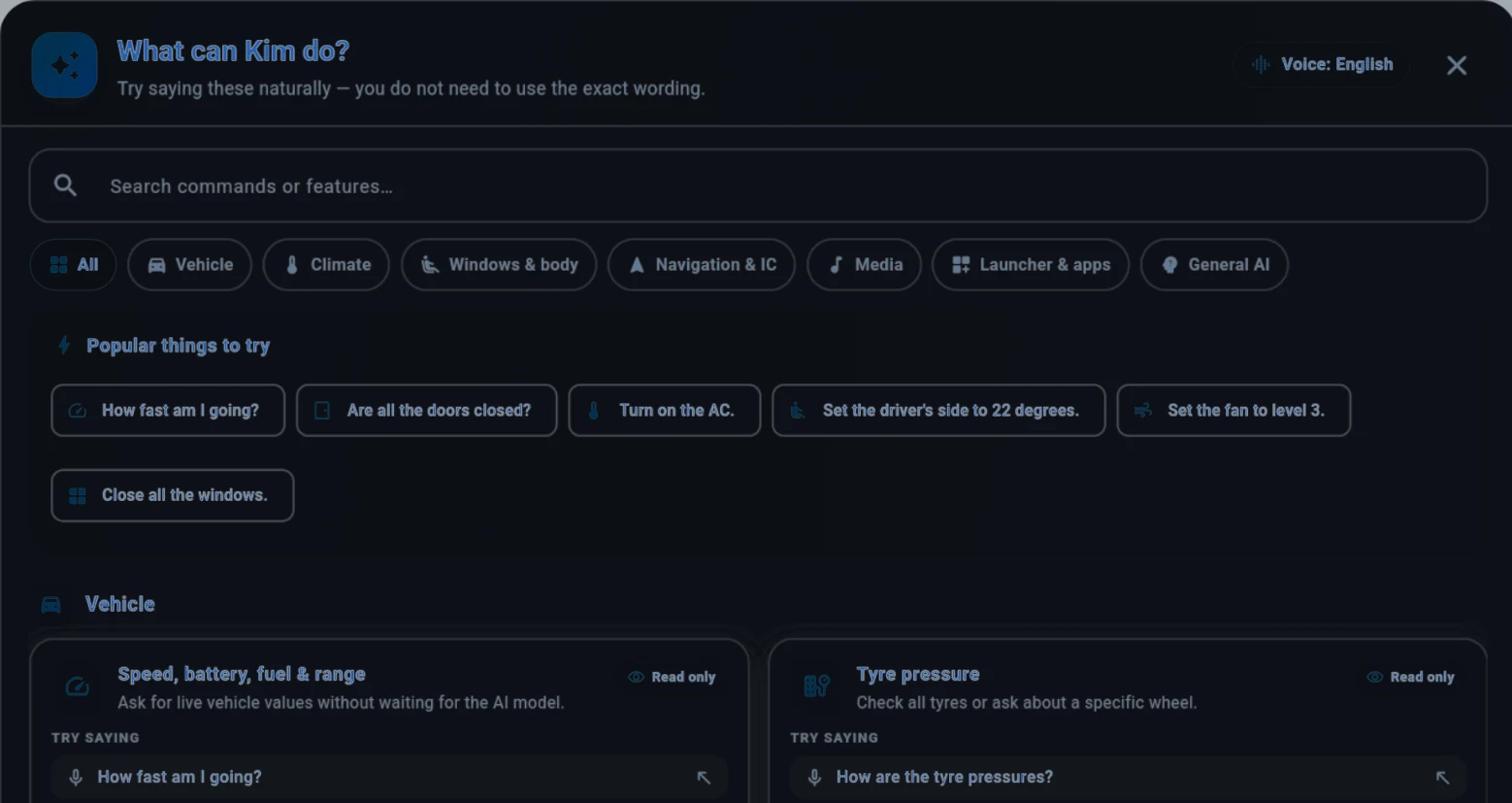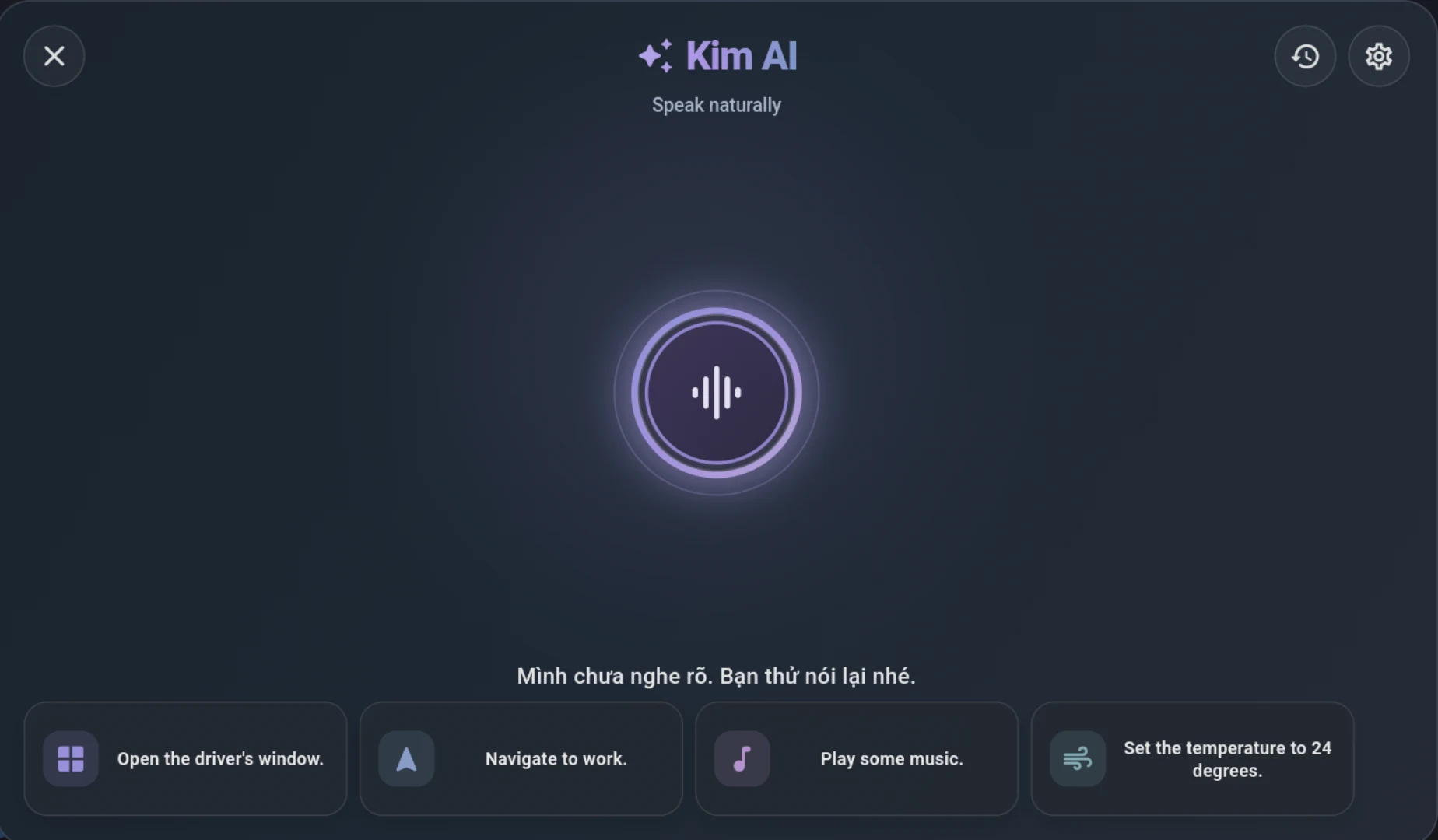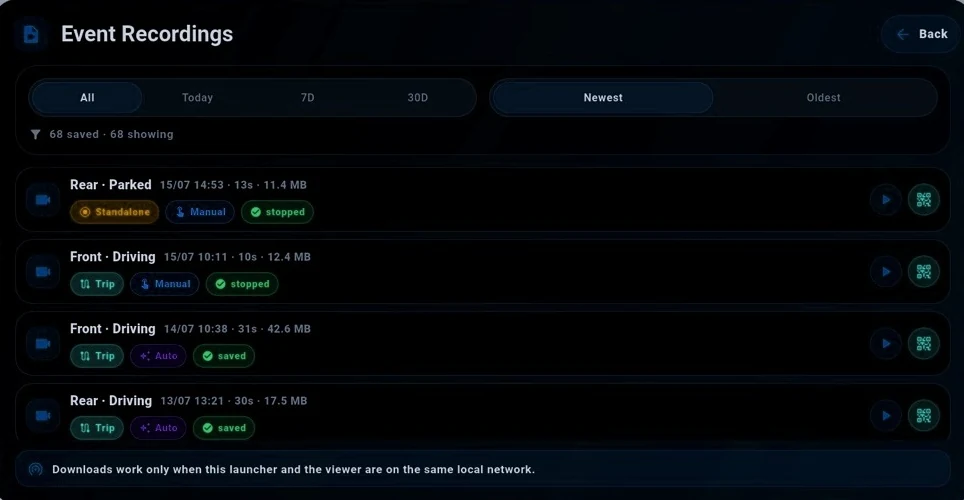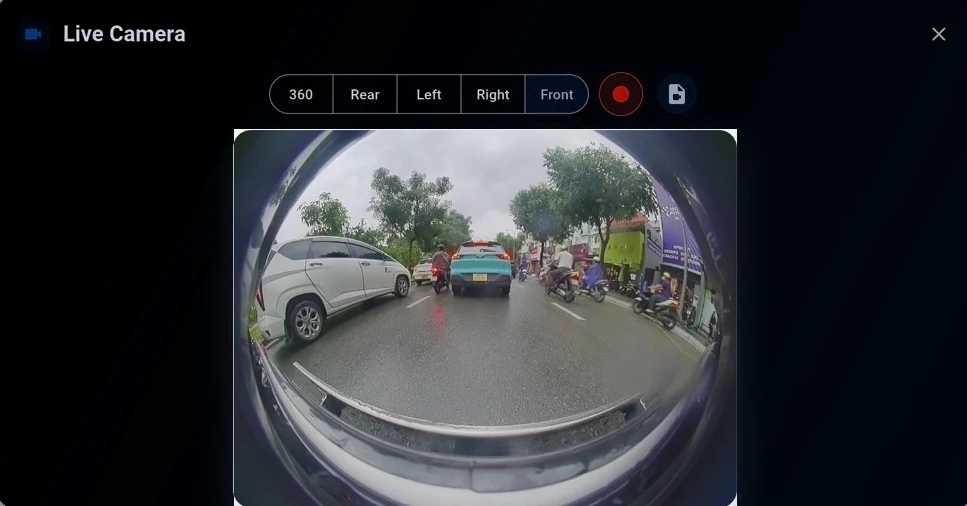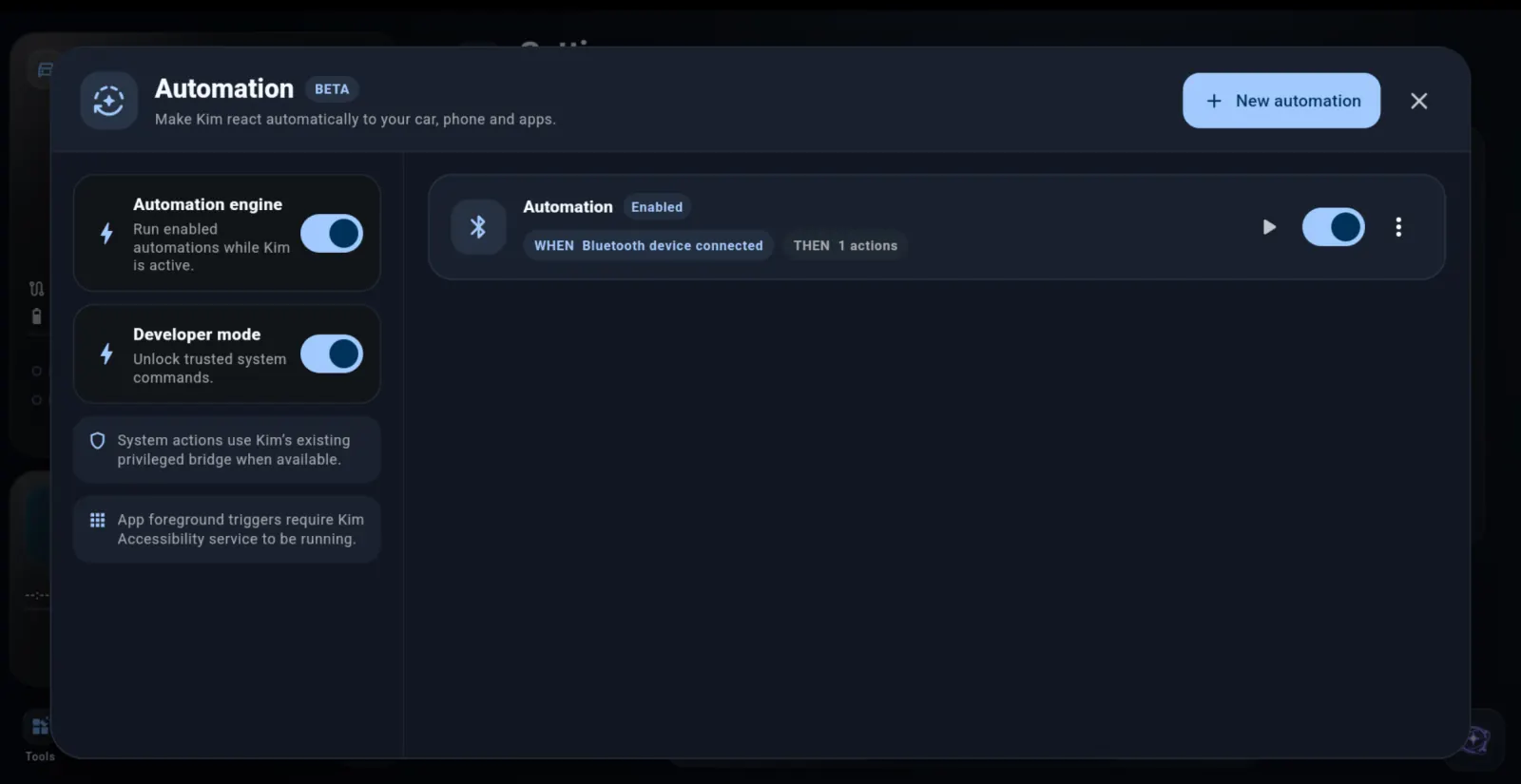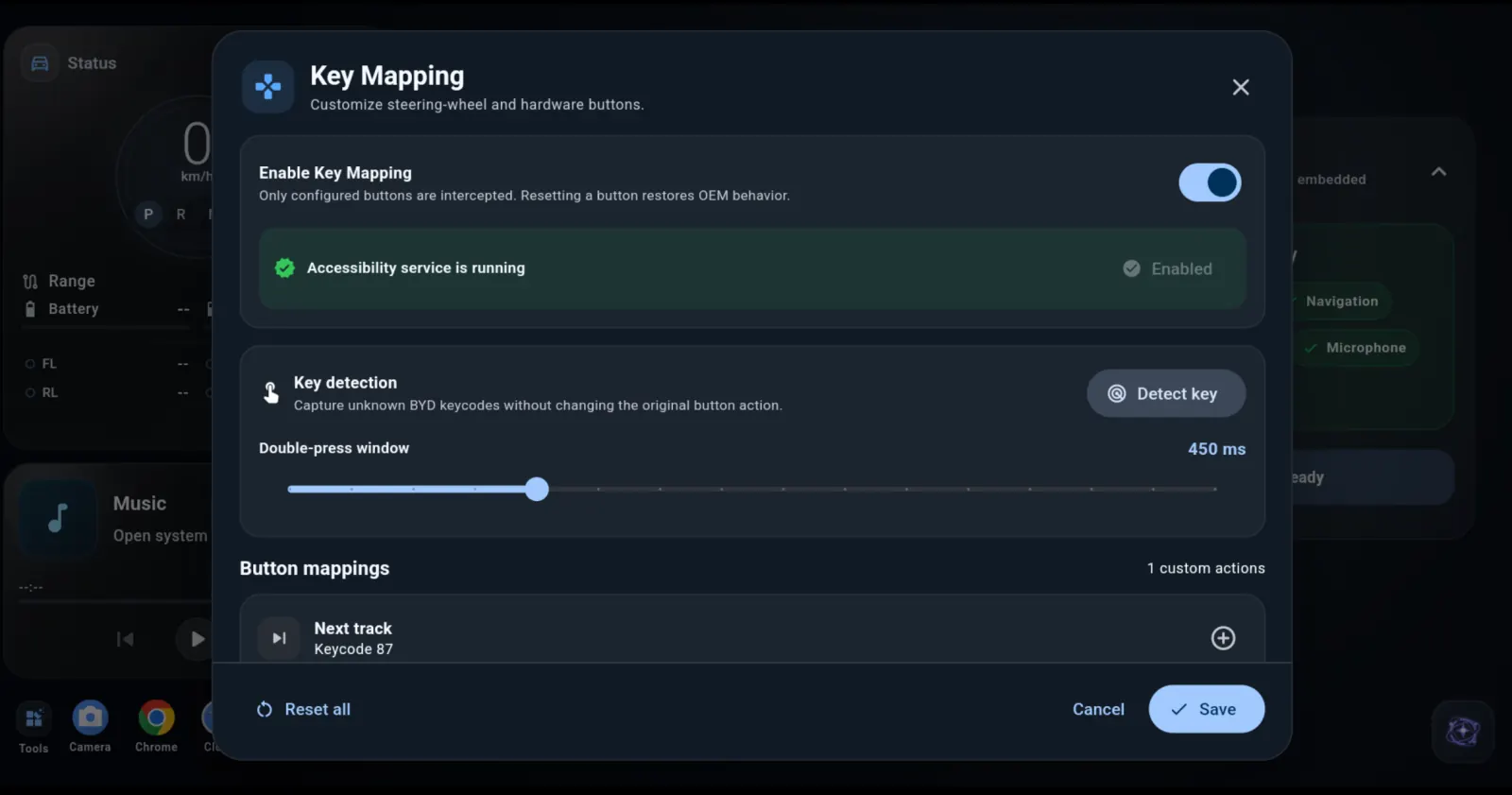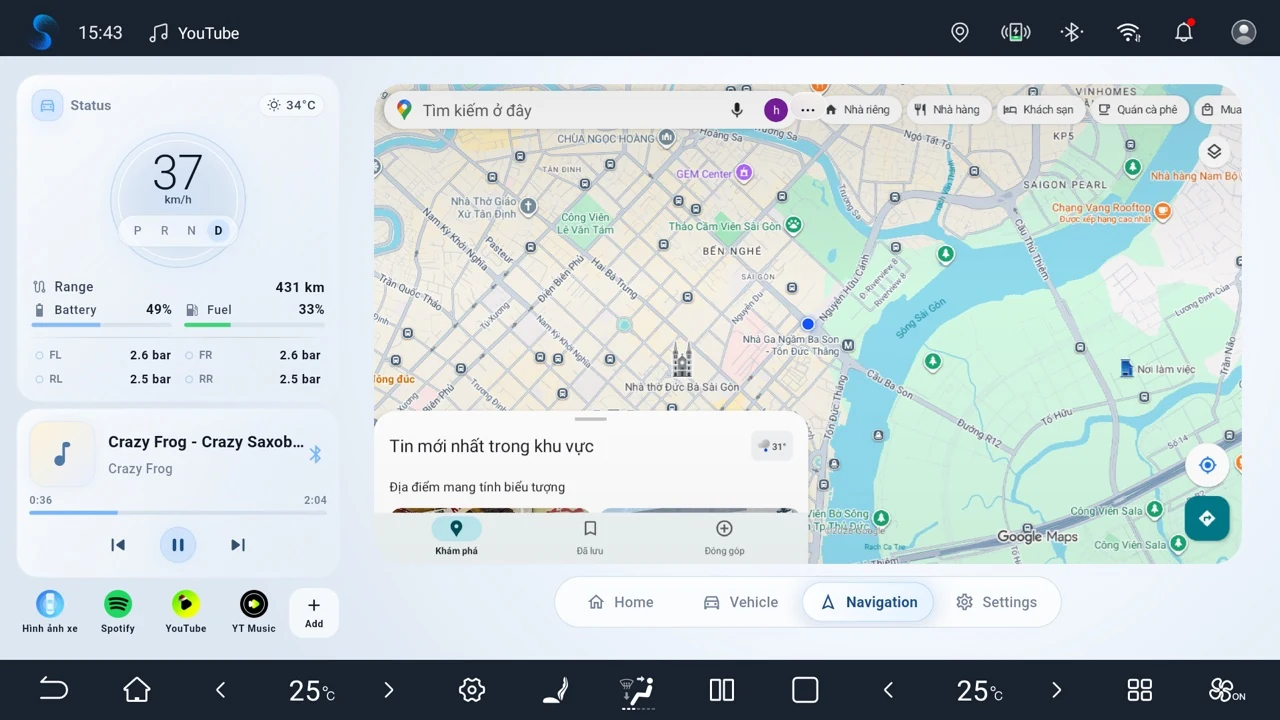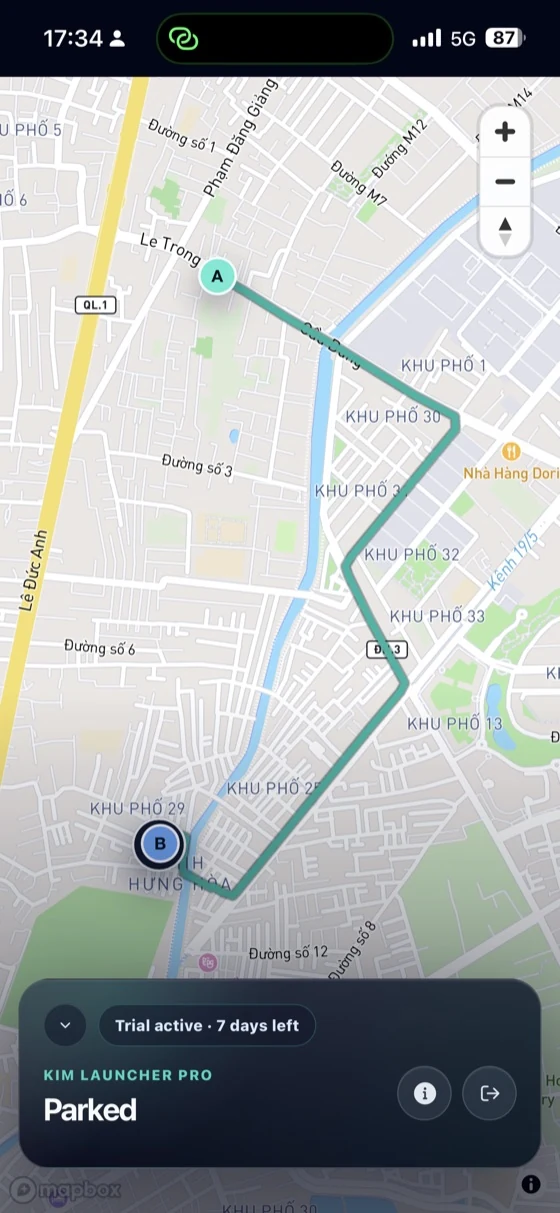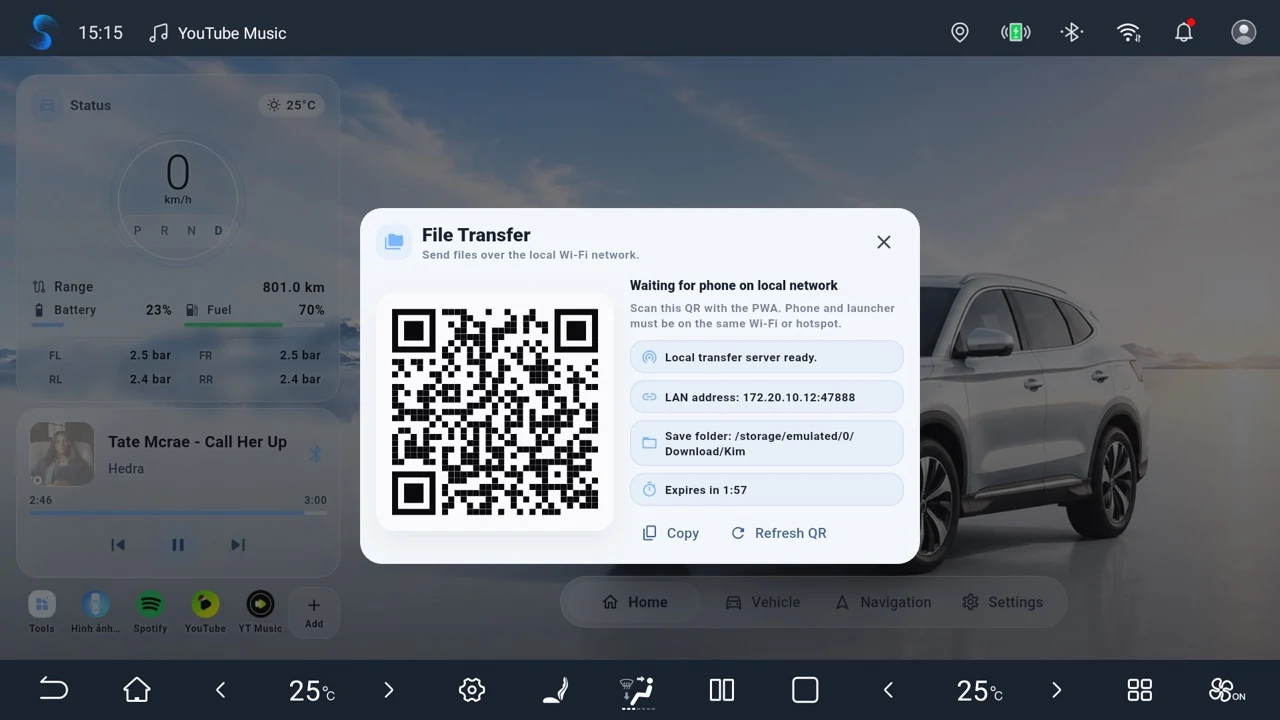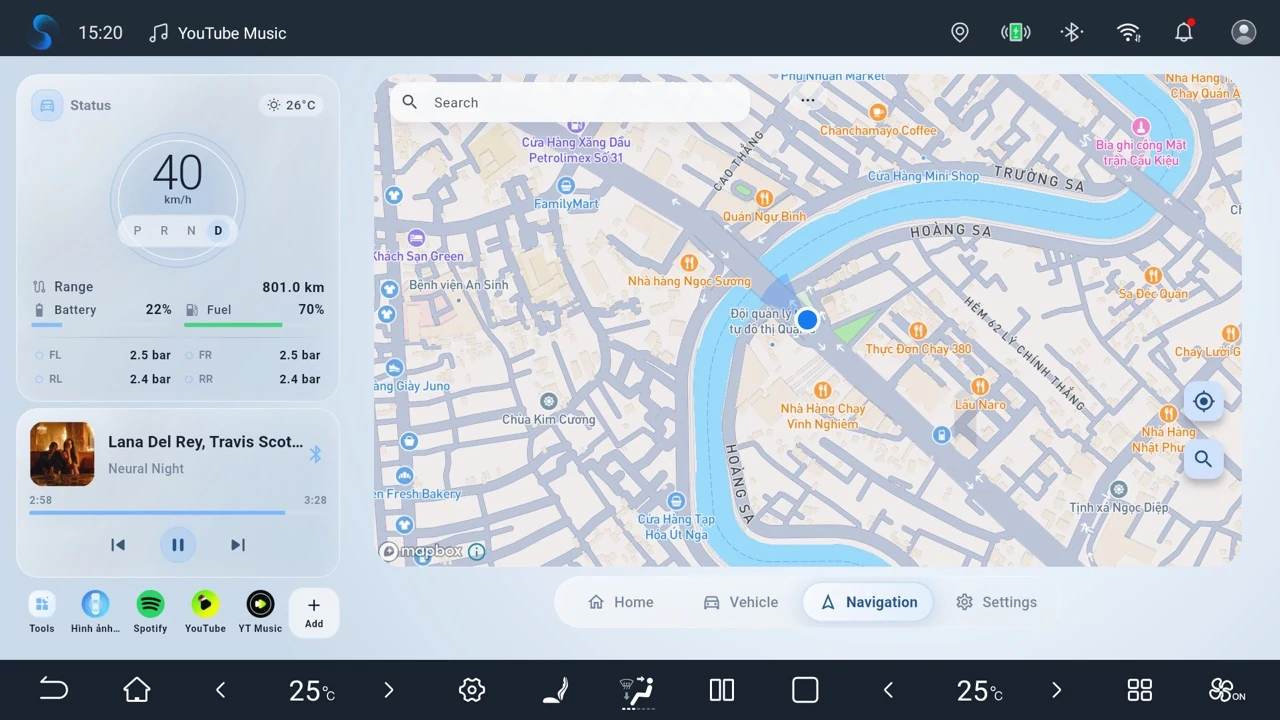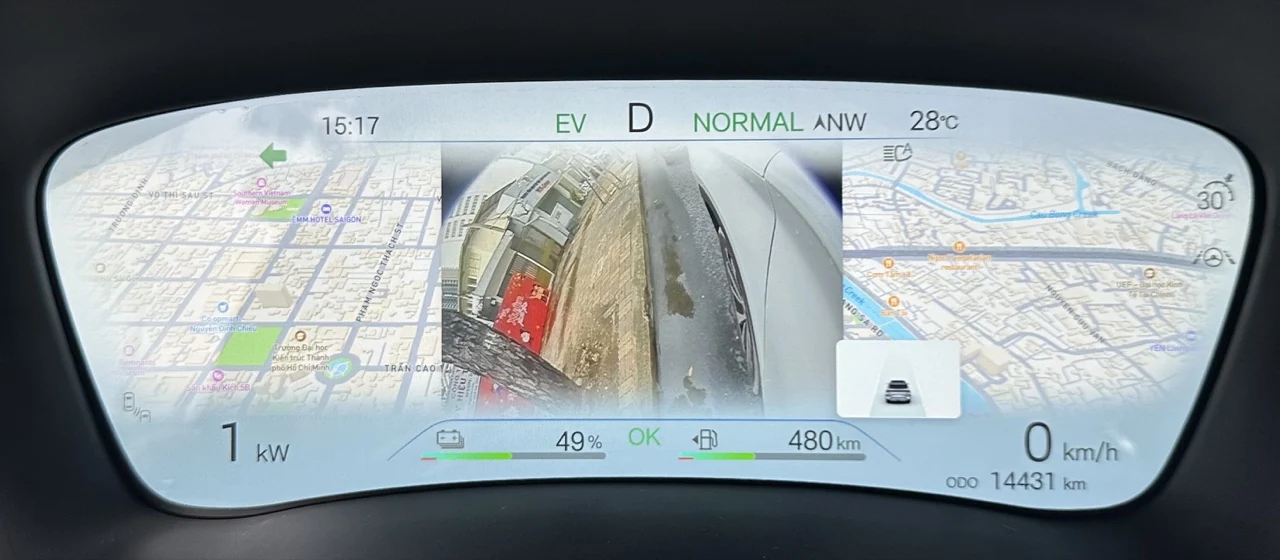
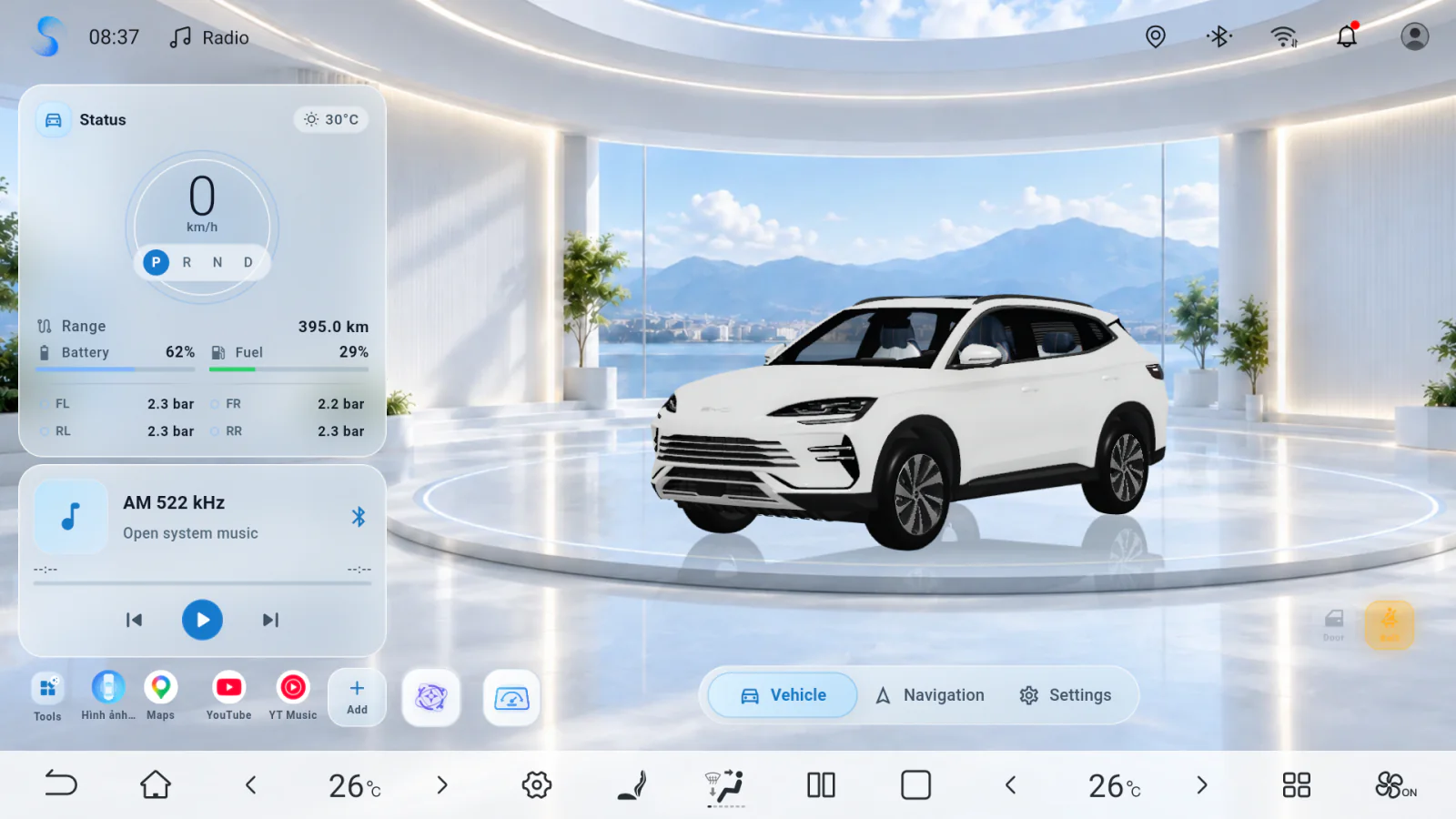
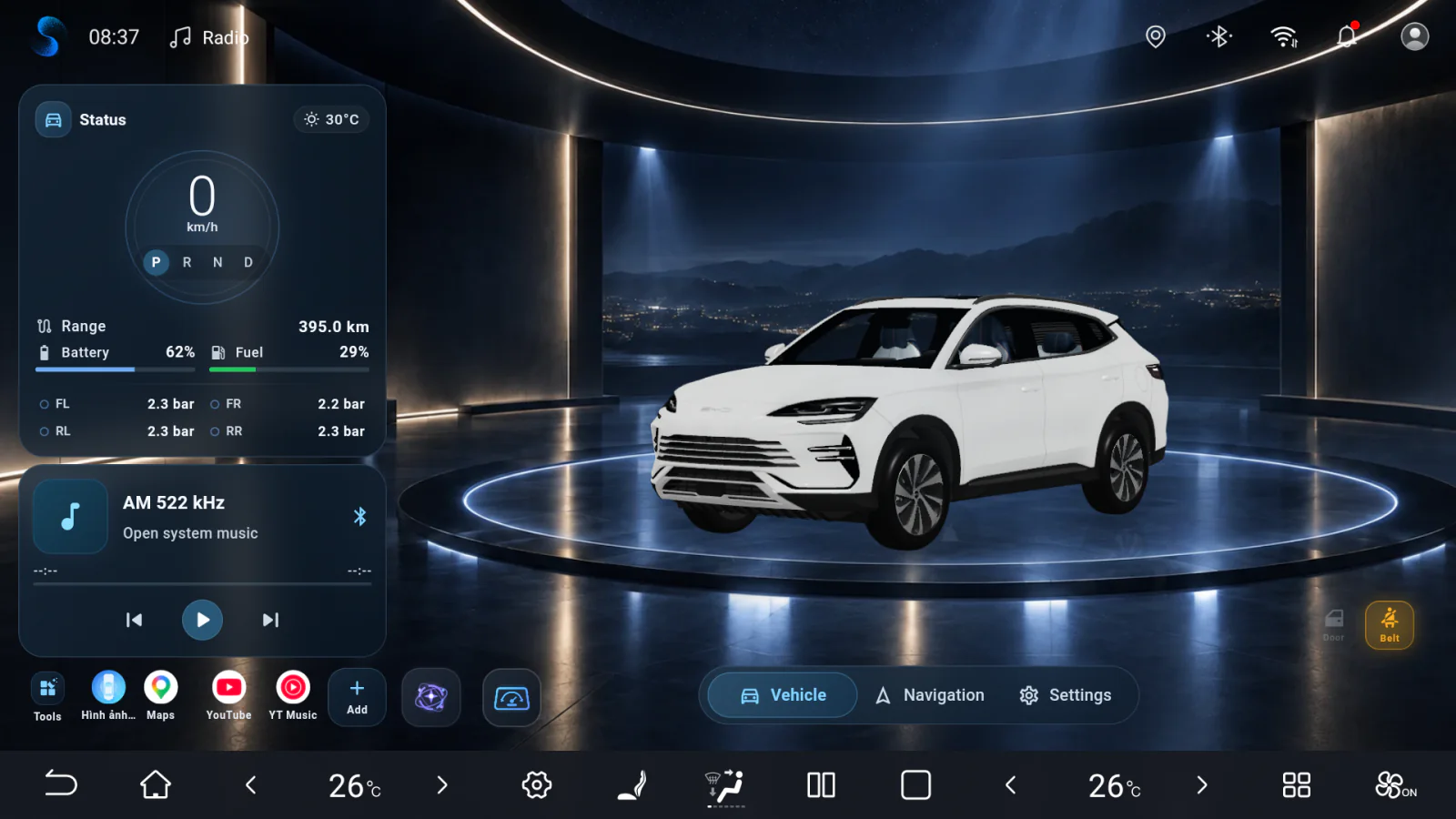
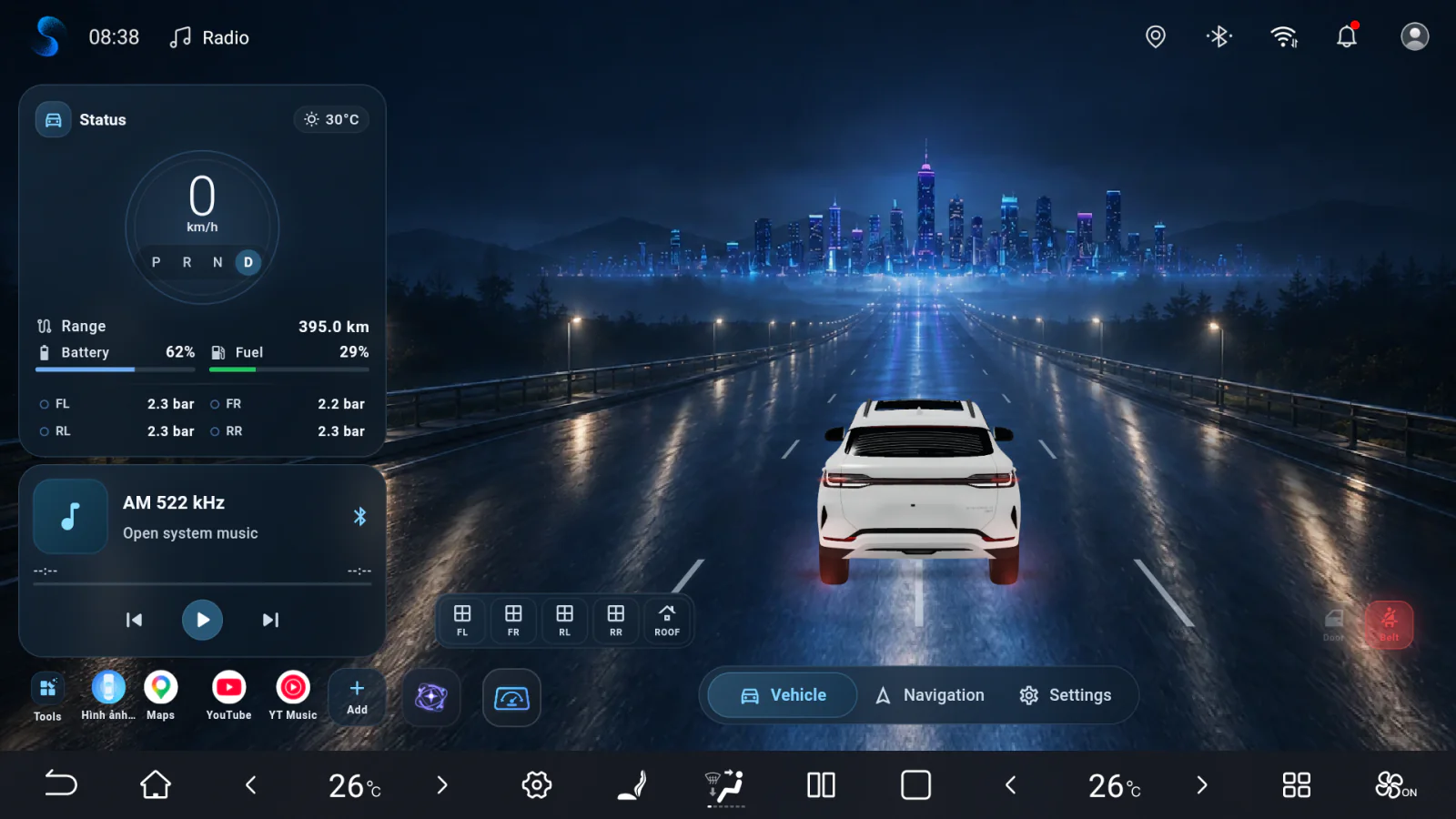
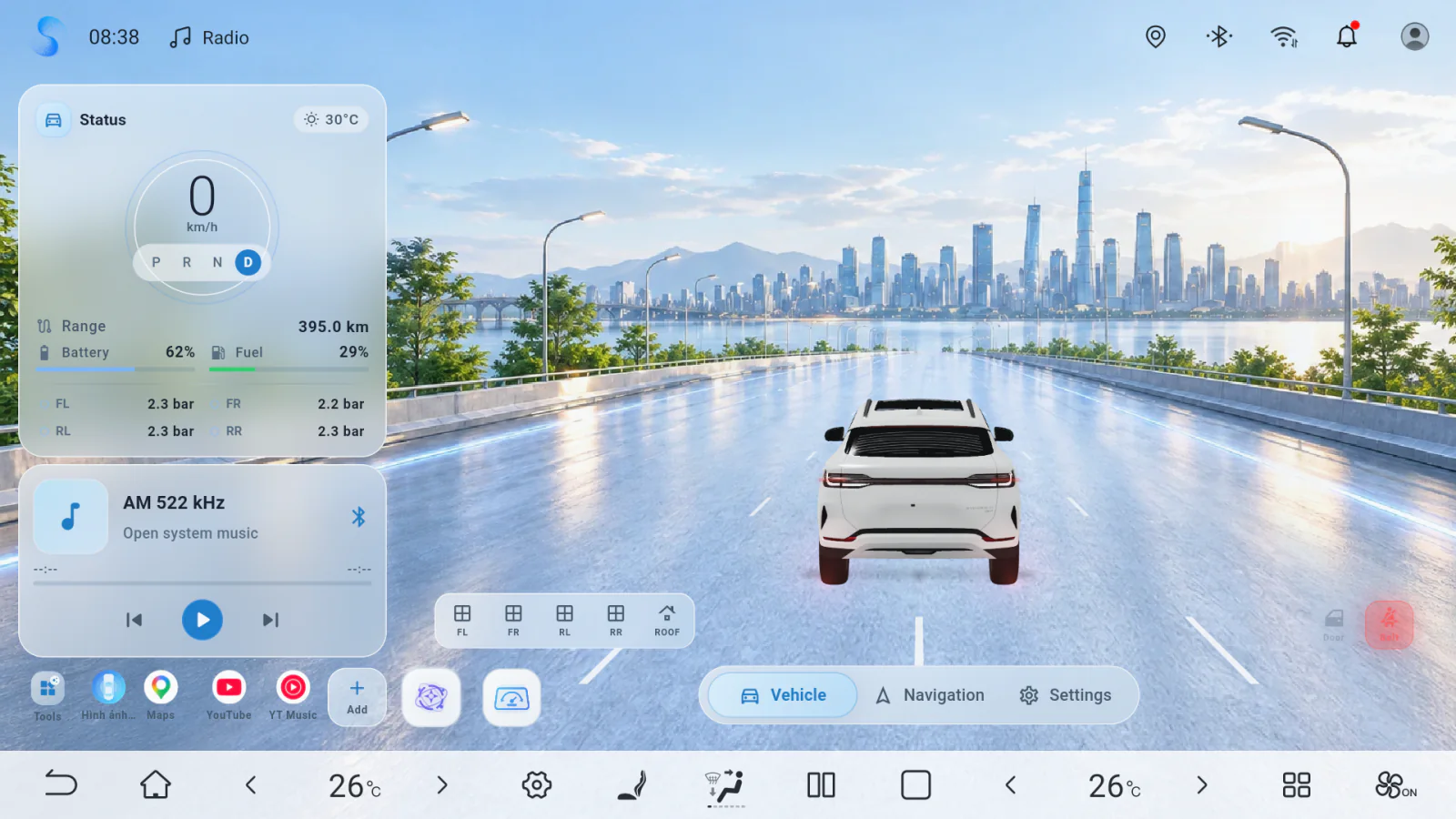
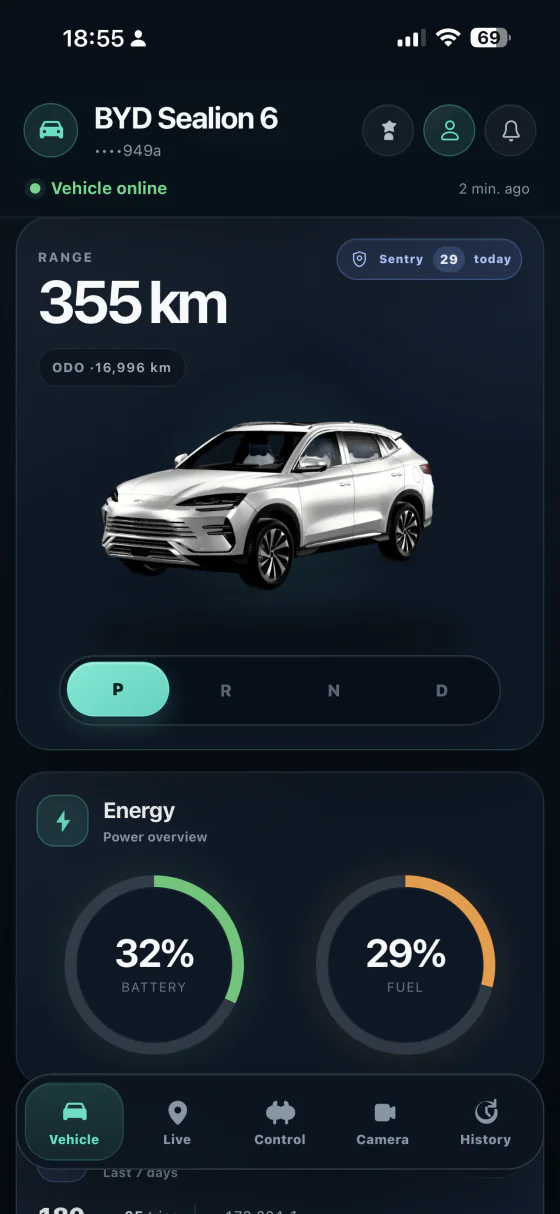
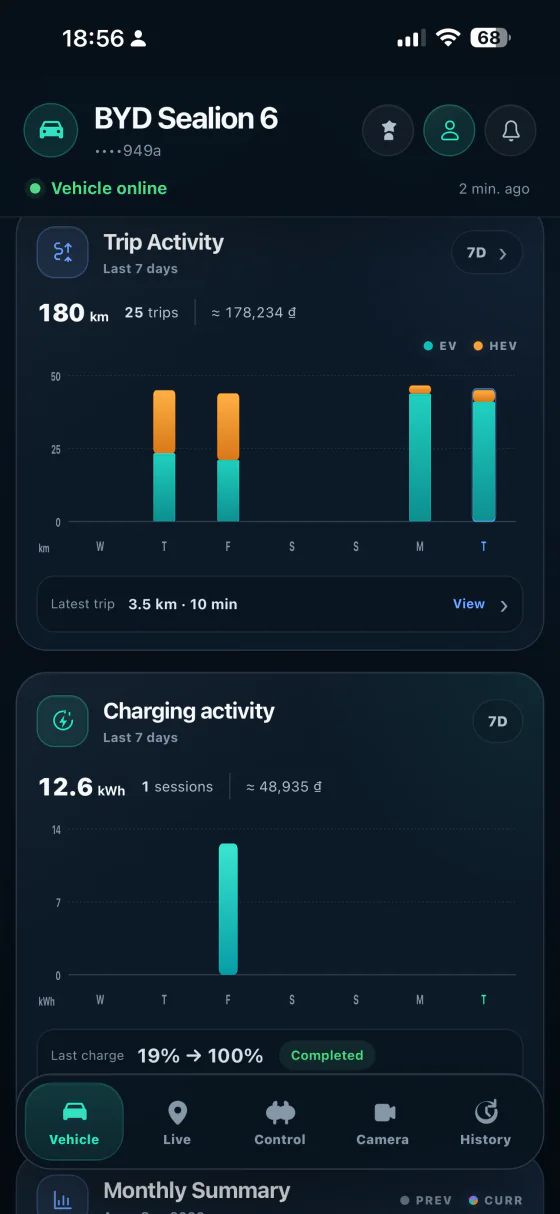
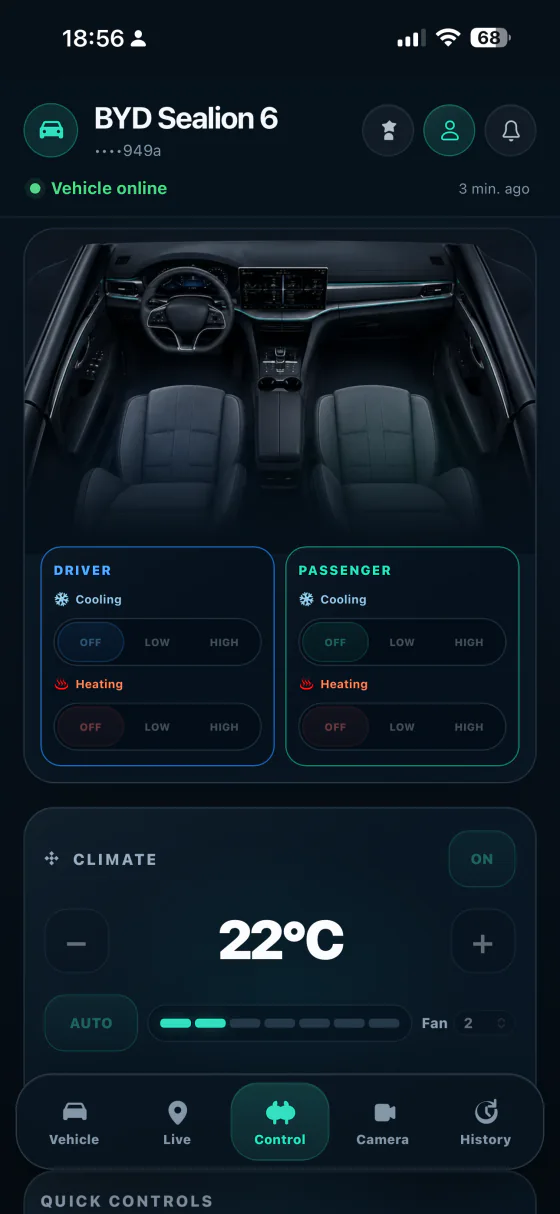
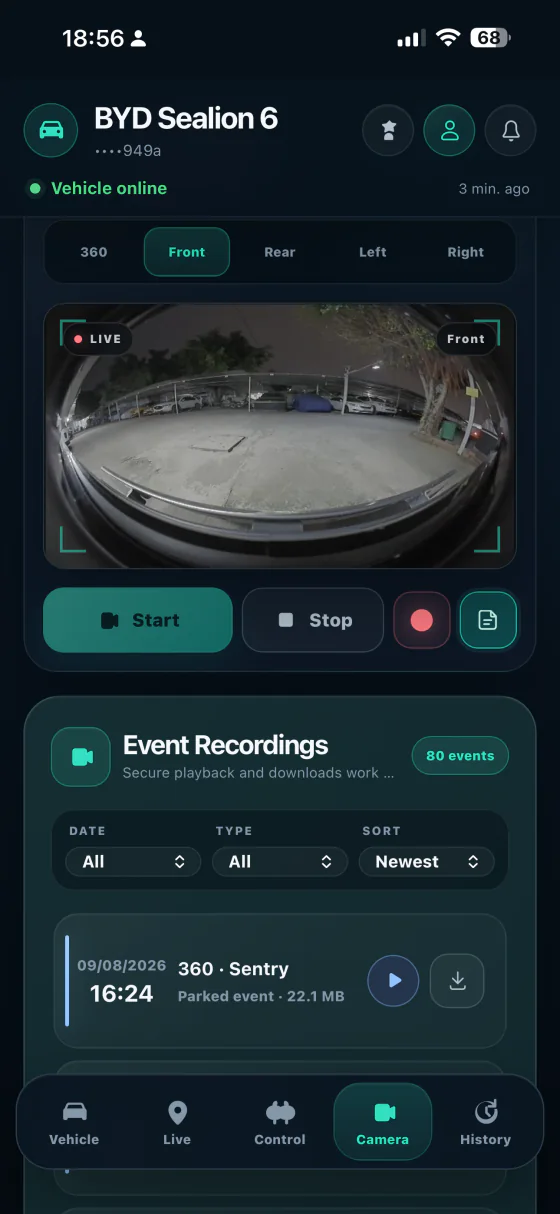
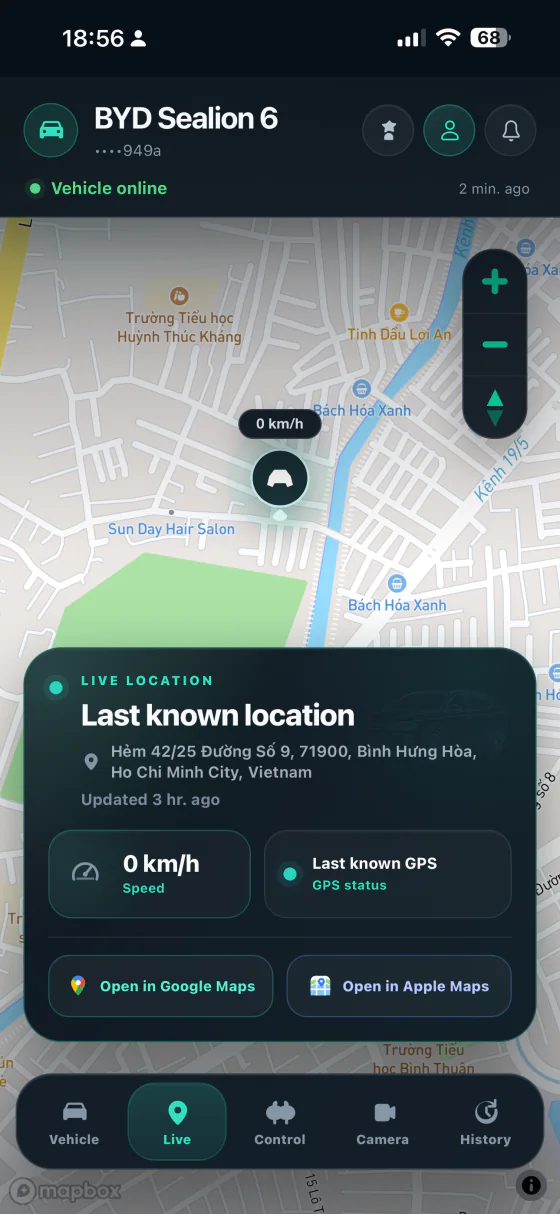
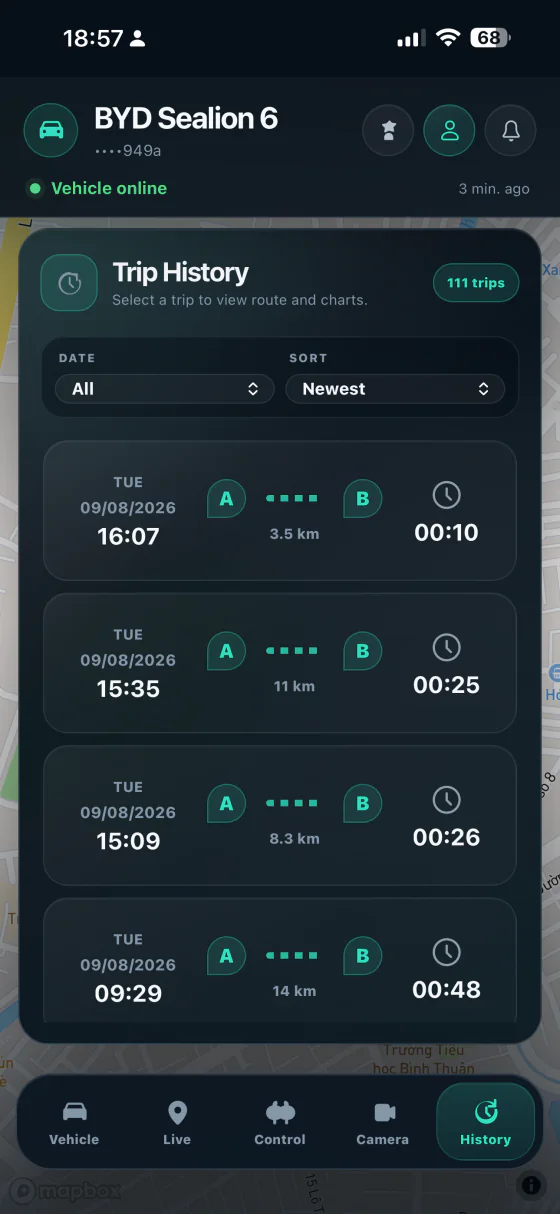
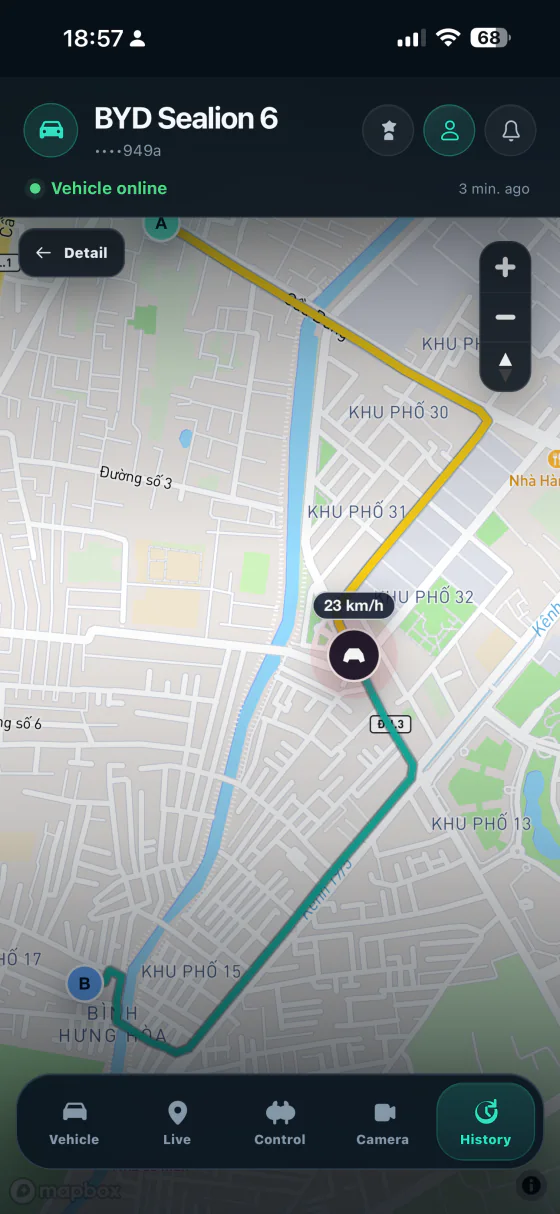
Kim Launcher running on a BYD head unit

BYD head unit launcher

Kim Launcher

A clean landscape launcher for BYD head units, with Pro access for remote GPS, trip history, routes, and charts.

Built for the car

Launcher, trips, and remote access in one flow.

01

Landscape-first launcher

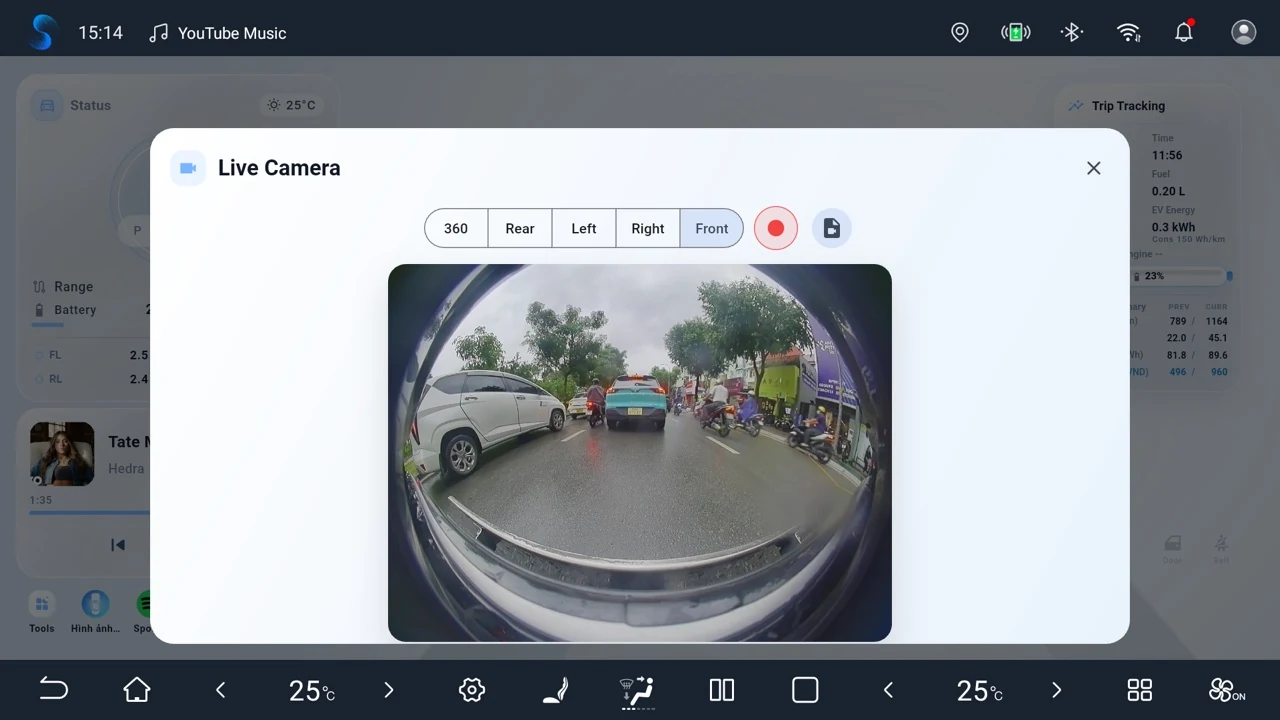
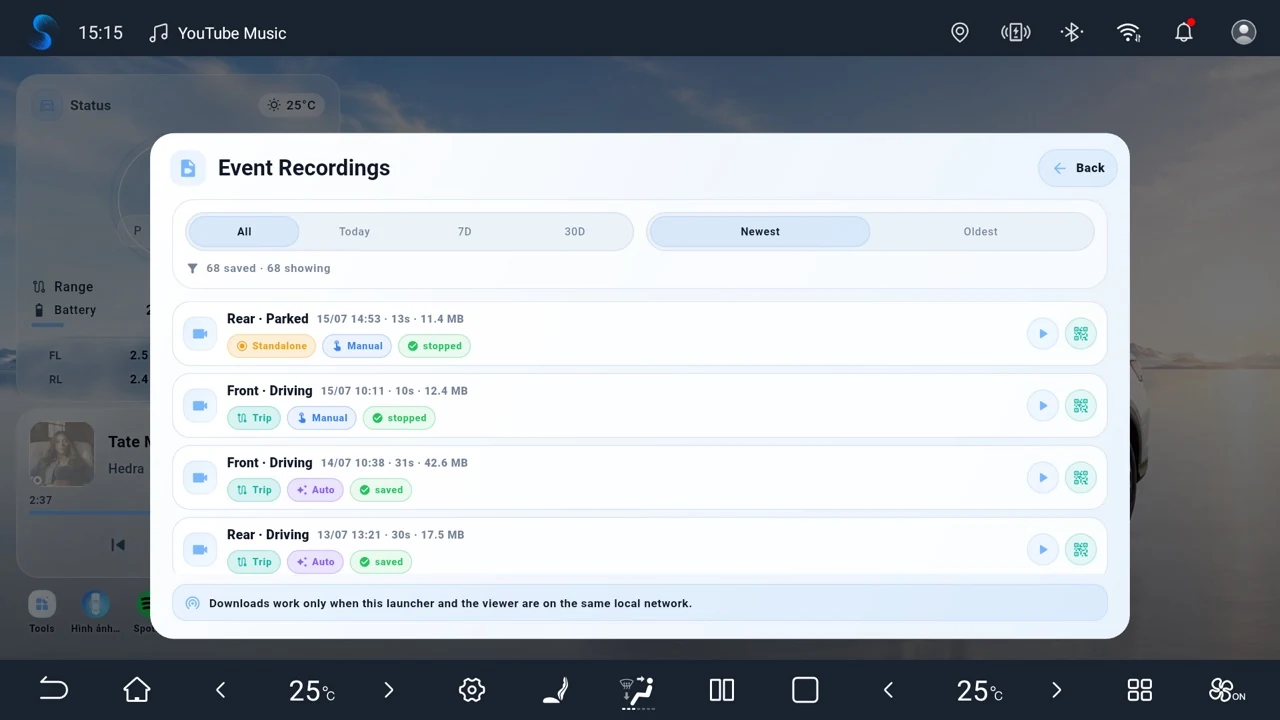
Designed for BYD head units with a focused home screen, clean controls, and quick access to daily driving tools.

02

Live GPS on PWA

Paid and trial users can view vehicle location from the PWA while the launcher keeps tracking on the head unit.

03

Trip history and routes

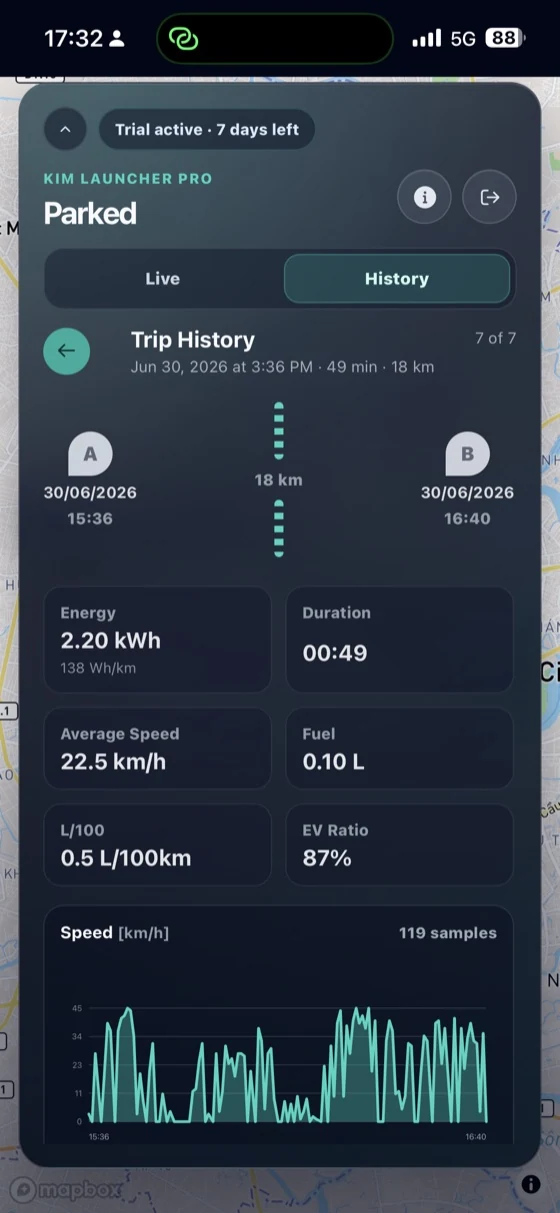
Save completed trips with optimized route points, then review distance, route, and charts from the web app.

Kim Launcher Pro

$29 for 3 years

Pro unlocks PWA login, live GPS, Trip Status, Trip History, route viewing, and charts. New users can start with a 7-day trial.

Start trial or upgrade

Install guide

Set up Kim Launcher without Google Play.

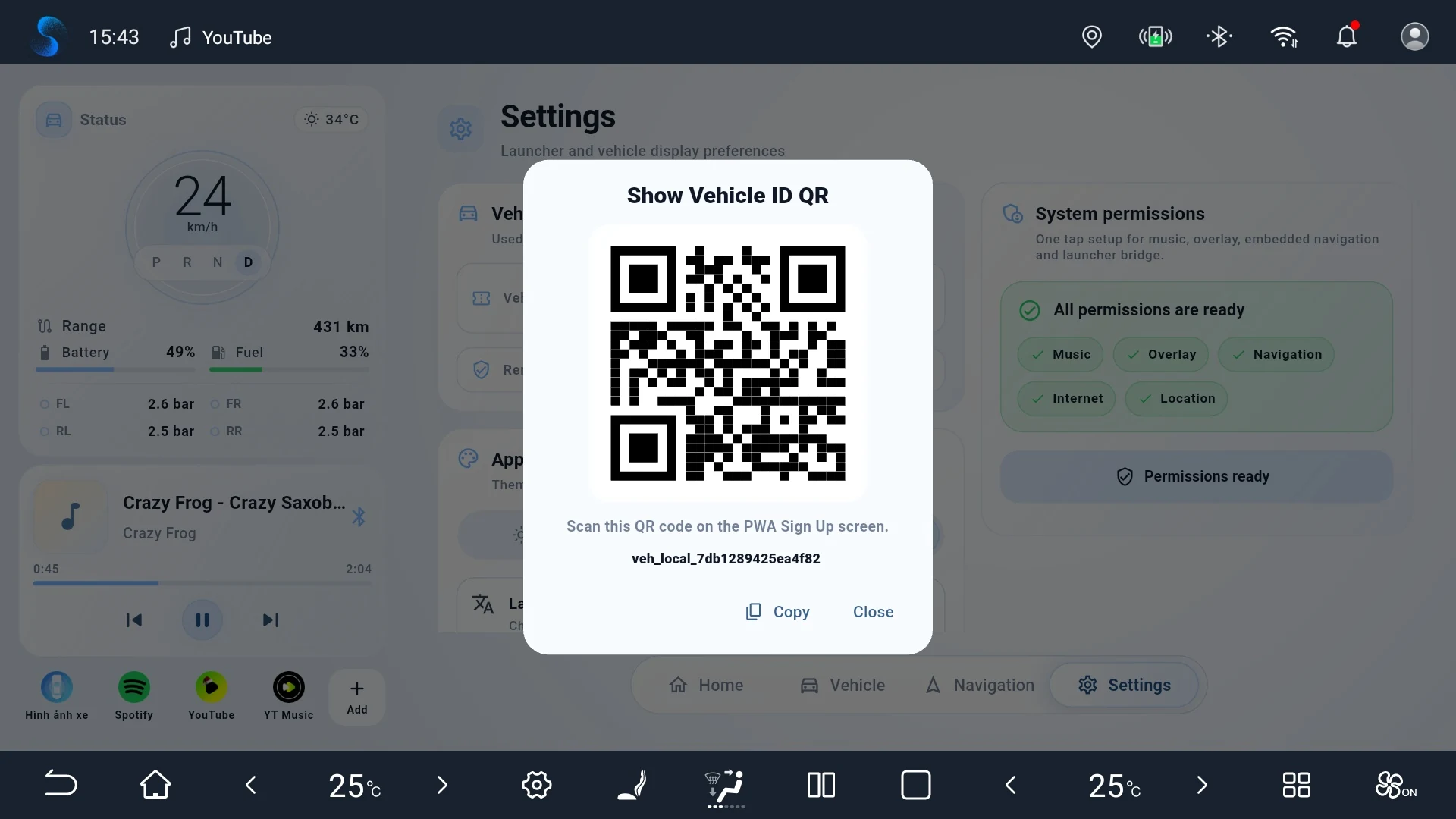
Install the launcher APK on the BYD head unit, then connect your vehicle to the PWA with the Vehicle ID QR code from Settings.

Head unit Launcher APK
  1. Download the latest Kim Launcher APK from this website.
  2. Open the APK on the BYD head unit and allow installation from the browser or file manager.
  3. Open Kim Launcher, grant the required permissions, then go to Settings.
  4. Use the Vehicle ID QR code in Settings to link the car with your PWA account.
Go to APK download
Phone or tablet PWA app
  1. Open app.kimlauncher.pro in Chrome, Edge, or Safari.
  2. Sign up or sign in, then scan the Vehicle ID QR code from the launcher.
  3. Use the browser menu to add Kim Launcher Pro to your home screen.
  4. After trial or paid access is active, Live GPS, Trip History, Route, and Charts will be available.

APK download

Install directly on BYD head units.

BYD head units may not have Google Play access, so Kim Launcher is distributed as an APK. Download the latest APK, install it on the head unit, then link the vehicle to the PWA.

Kim Launcher APK Latest public build APK coming soon